A mood for your pages.
Choose a theme with coordinated light and dark appearances. Ink picks up the character of your chosen palette, too.
Meet your companion nostella.Join the waitlist
 Your notebook shouldn’t make you reach around it. Put the sidebar on the side that feels natural.
Available on tablet and unfolded, wide layouts. Nostella remembers your preference.
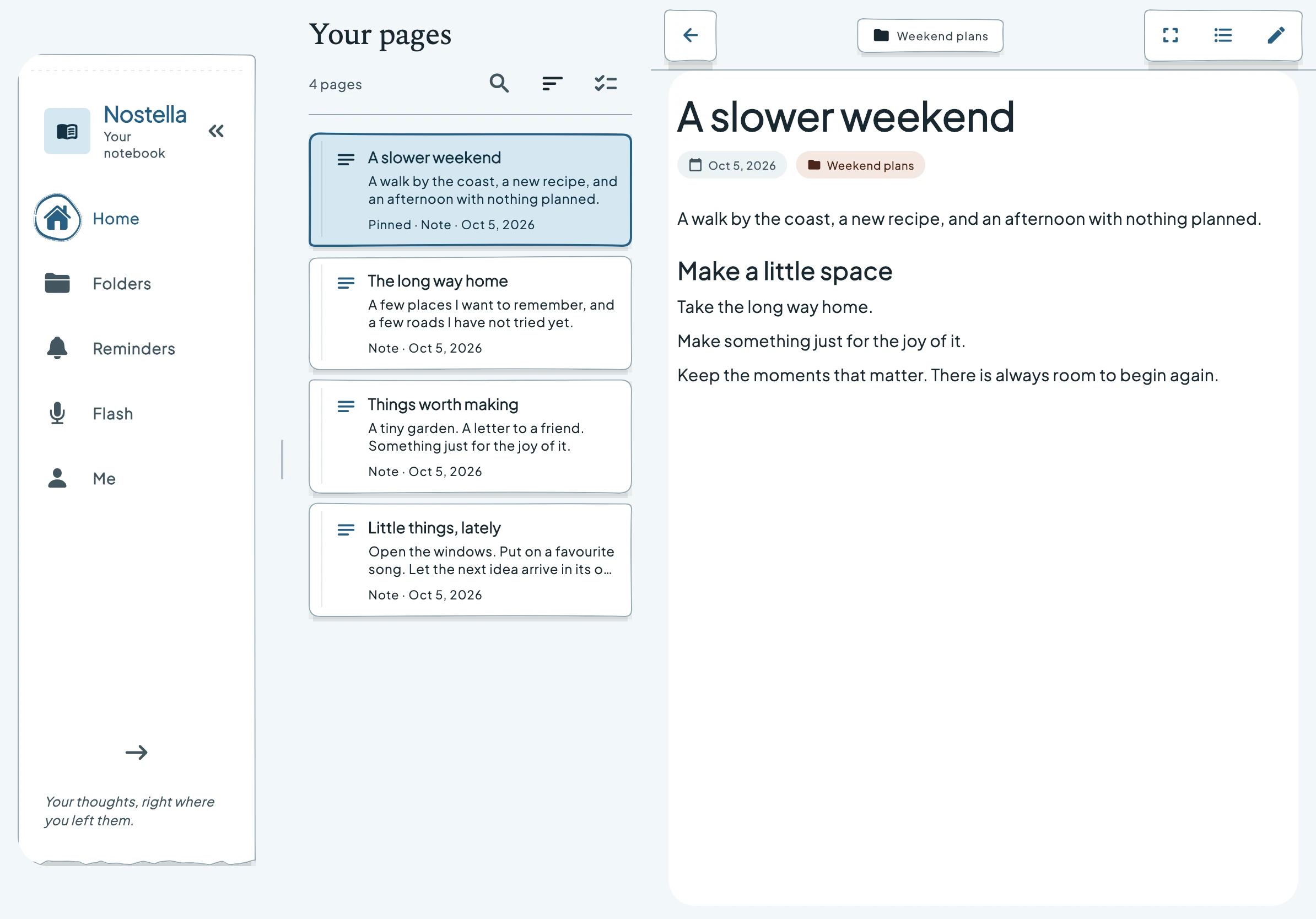
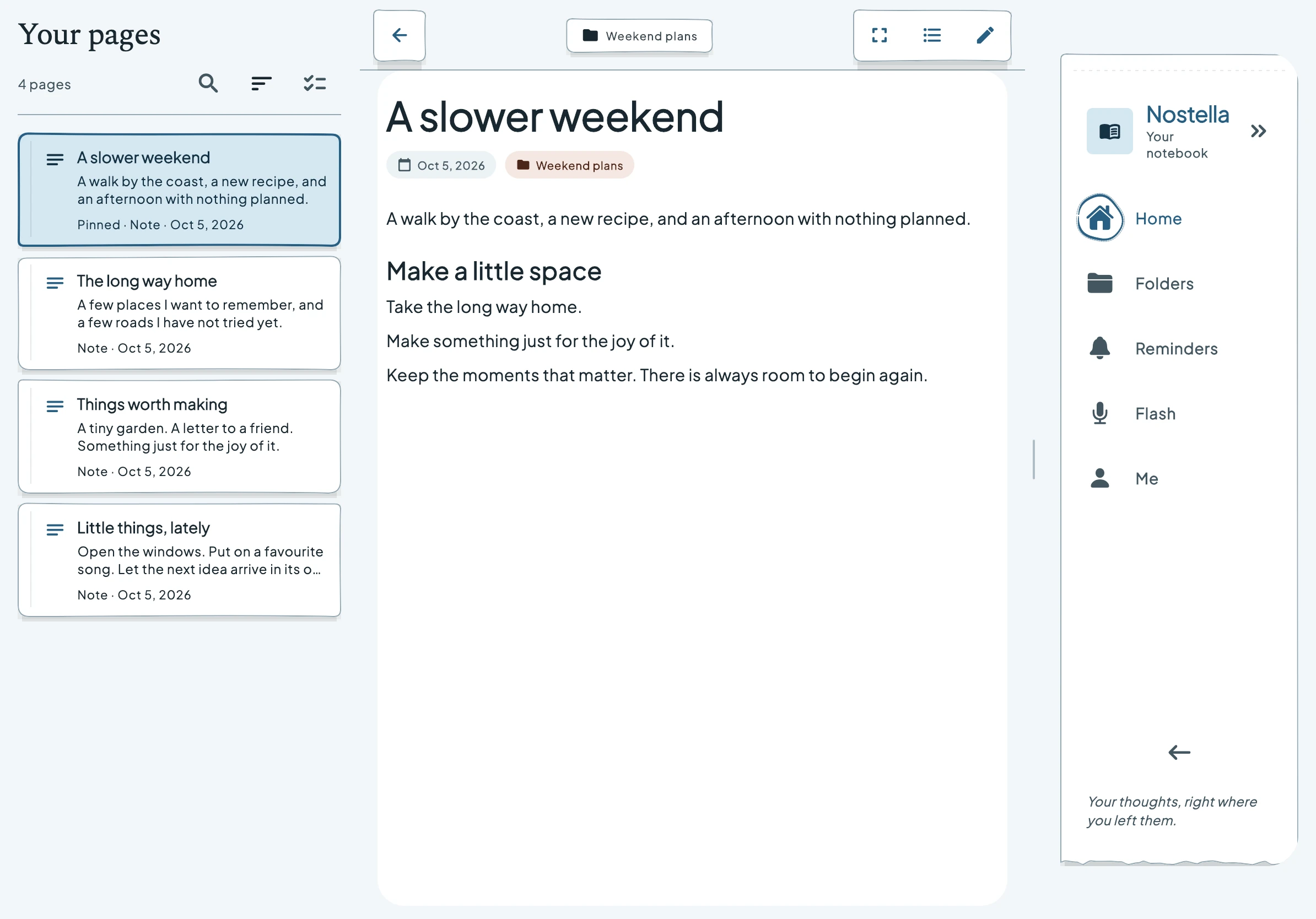
Navigation on the left. Current app render with example notes.
Choose left or right navigation from the wide-layout sidebar controls. Your page stays the centre of attention, with your destinations close to the hand you use.
On compact phones, navigation stays at the bottom. In a book fold, the page list and preview use the two available regions.
Explore the foldable layouts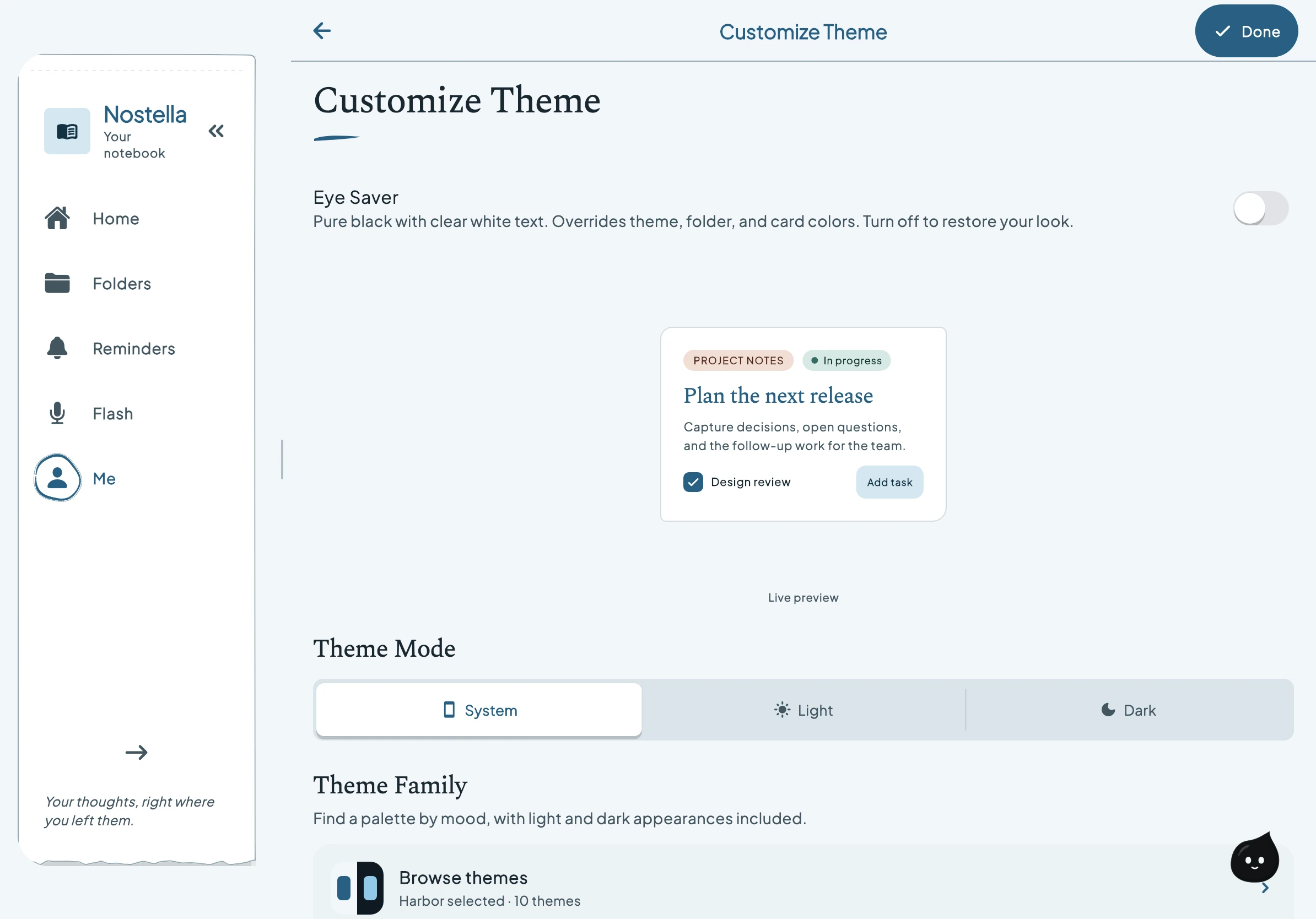
Choose a theme with coordinated light and dark appearances. Ink picks up the character of your chosen palette, too.
Meet your companionMove Ink to a comfortable place, or turn the companion off when you want a quieter page.
Spend a moment with InkThe app respects reduced-motion preferences. On this website, use “Pause motion” below to read without the animated transitions.