 View full-size capture
 Collections with room to grow.
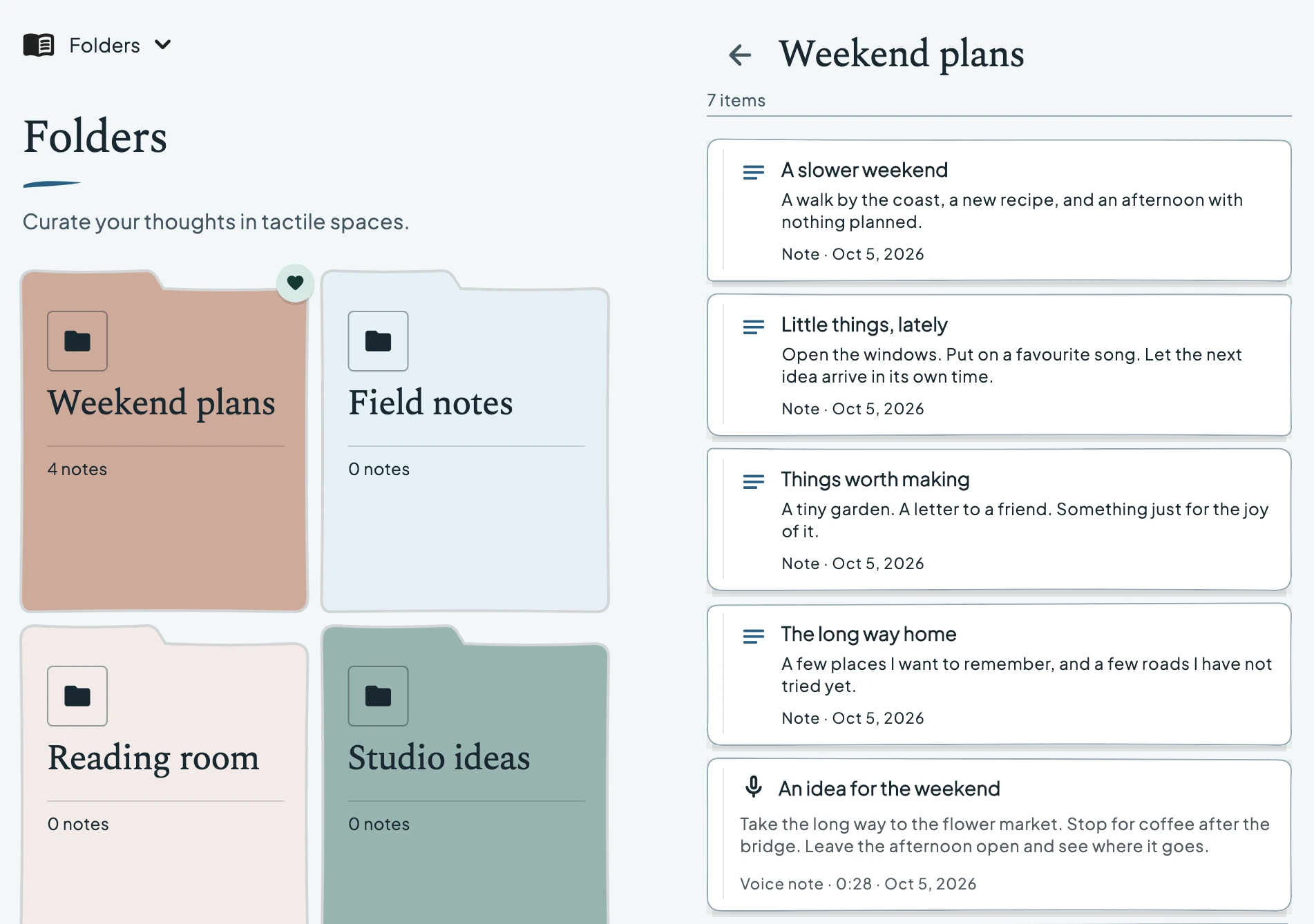
Keep related pages together. Browse collections on one side and open a folder on the other.
 nostella.Join the waitlist
 Catch a thought in the compact view. Unfold to browse beside a note. Nostella is being made for iPhone Duo and Android foldables, with notes, sketches, voice memos and reminders in one notebook.
The iPhone Duo experience is in development and has been checked in the simulator. Store availability has not been announced.
Join the early waitlistChoose an app section, then fold the model or change its posture to explore the layout. These app renders use simulated device layouts.
Keep your pages within reach. Open one beside them, with a little breathing room around the fold. In book mode, the selected page stays in a read-only preview.
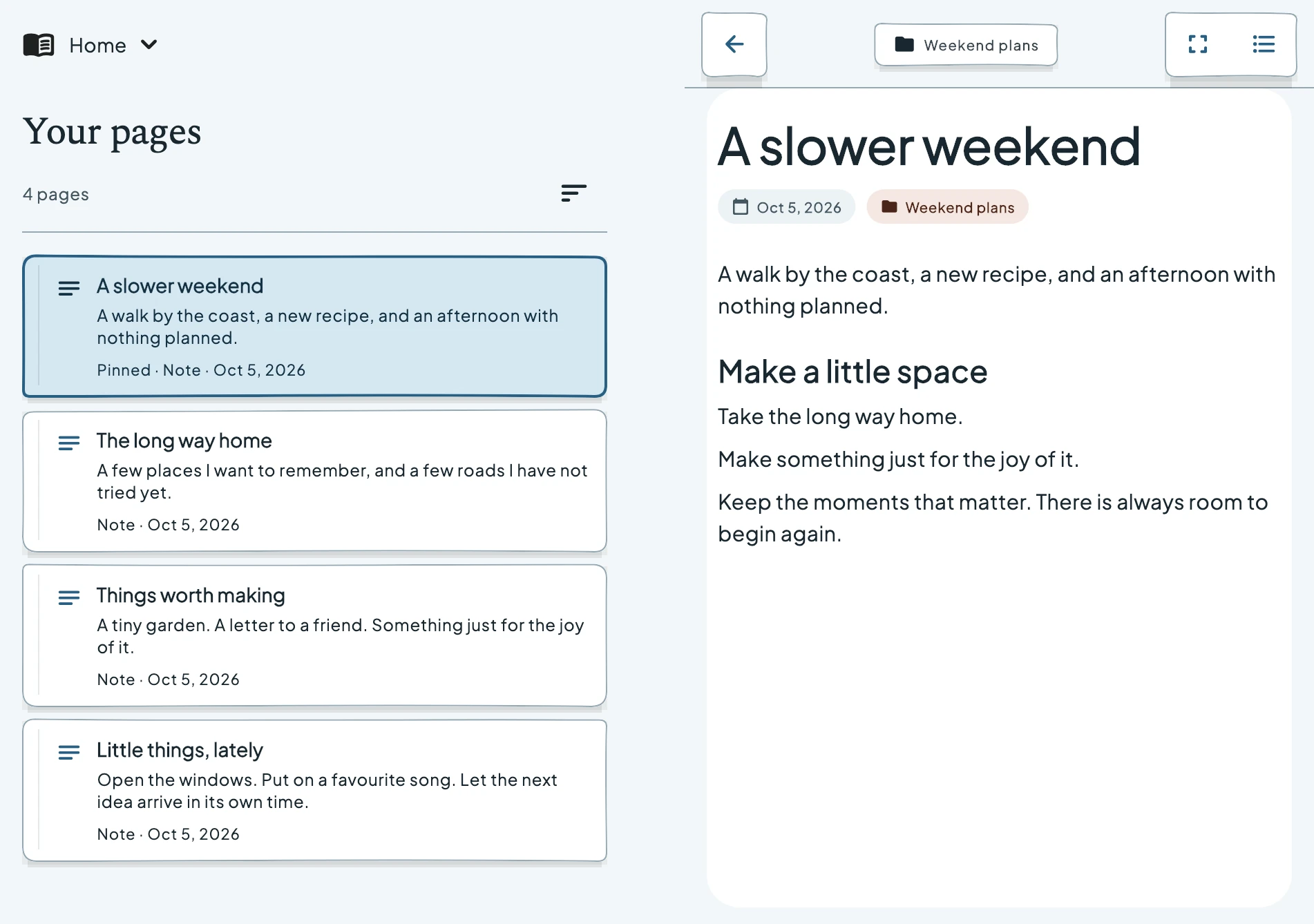
Collections, little reminders, a thought you said out loud. The same workspace keeps the thing you’re looking for beside the thing you’ve opened.
View full-size capture Keep related pages together. Browse collections on one side and open a folder on the other.
 View full-size capture
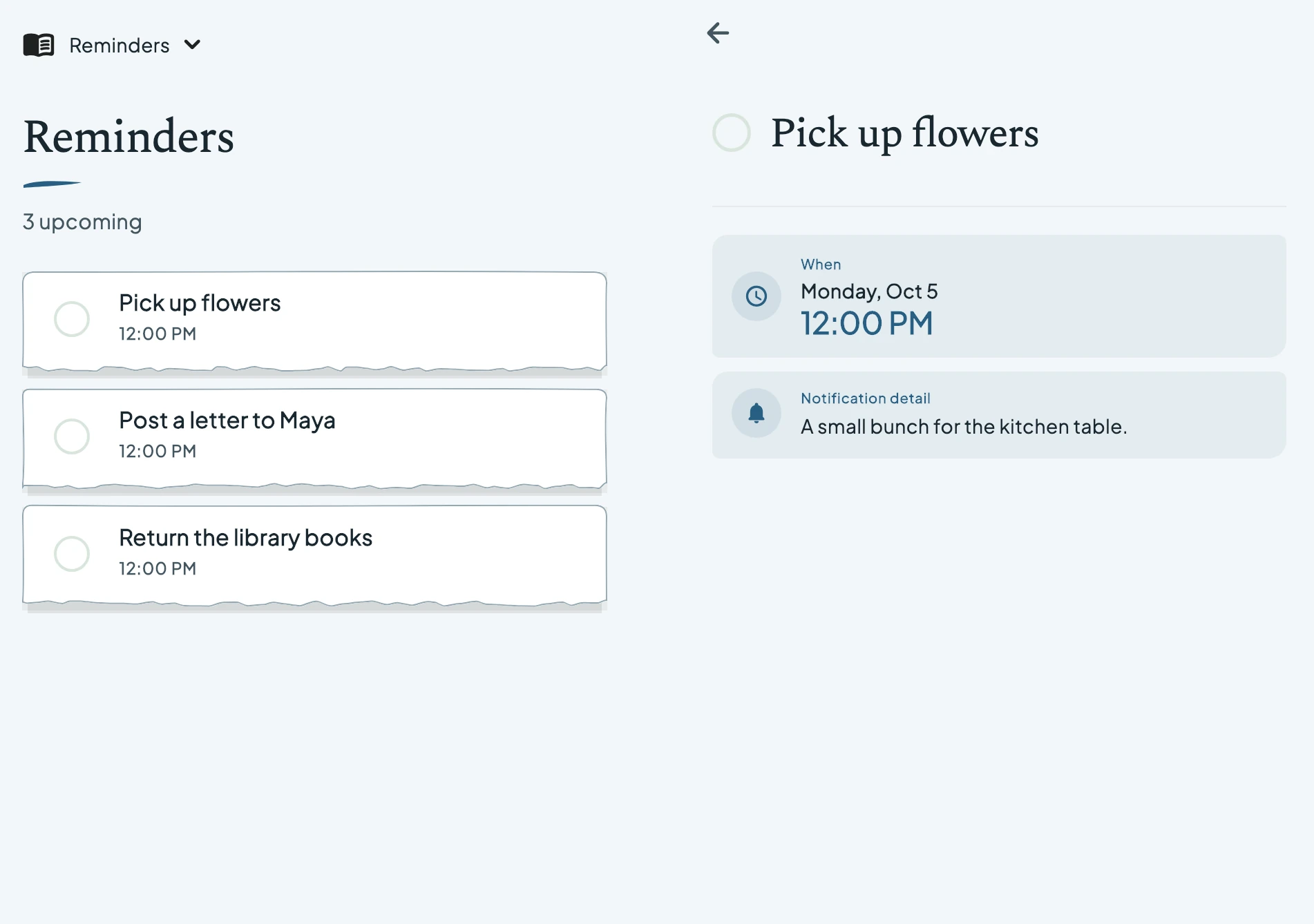
 See what is coming up while the reminder you selected stays open.
 View full-size capture
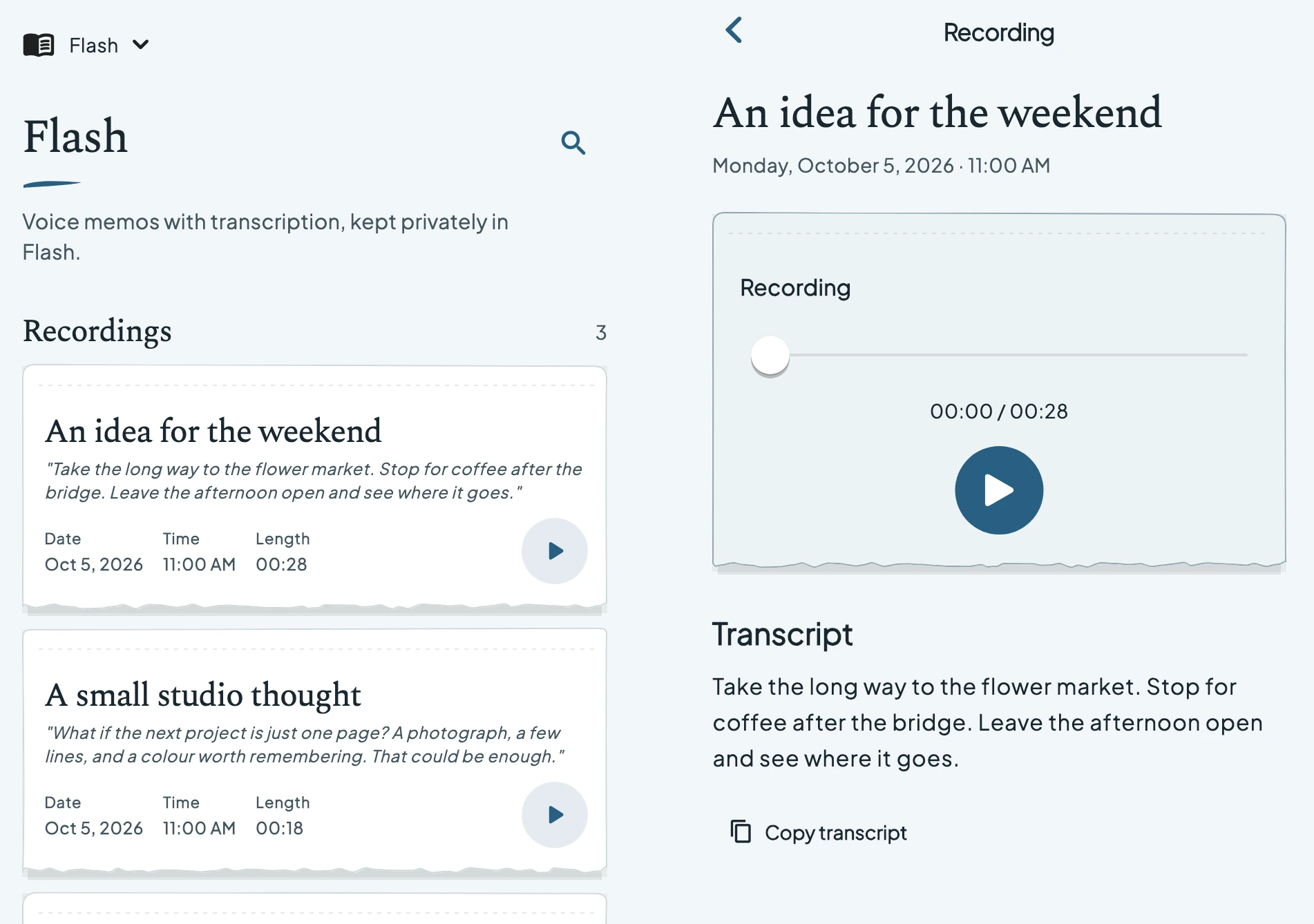
 Play a saved voice thought and read its transcript beside your recordings.
 View full-size capture
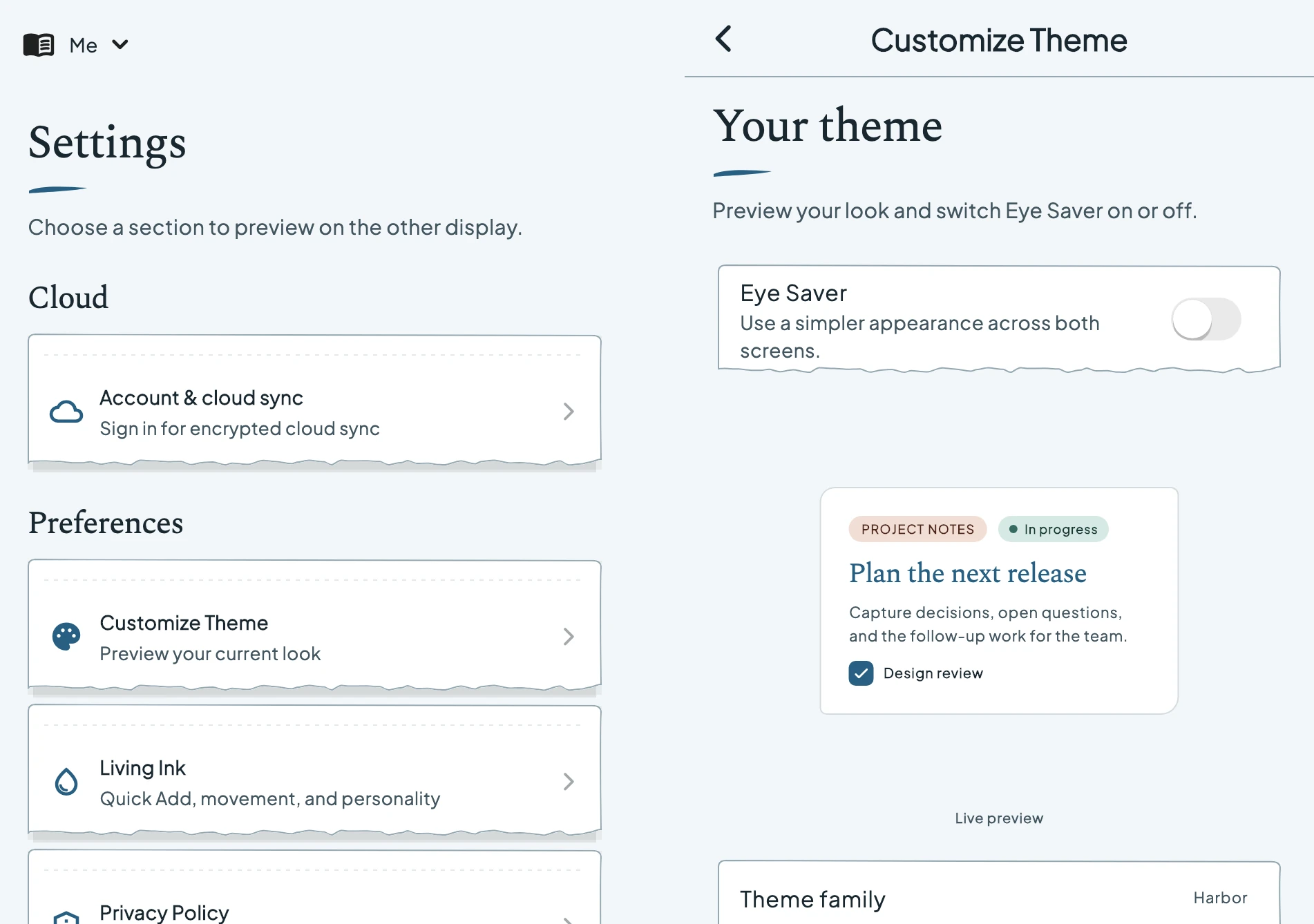
 Browse settings on one side, preview your theme on the other, and switch Eye Saver on or off.
Current app renders · simulated book layout · example content
Your page and controls use the available regions around a reported hinge. When there isn’t room for two usable panes, the notebook returns to a focused view.
On open, wide layouts, move the sidebar to the left or right. In a book fold, a focused list-and-page layout keeps both sides useful.
Make the layout yoursThe Android layout responds to window size and the fold information a device provides. Layouts have been checked in a Pixel Fold emulator; physical devices and manufacturers can differ. Android foldable support is in development.
A few answers about iPhone Duo, Android foldables, and the app in development.
See app and cloud pricingYes. Nostella is being designed for iPhone Duo, with compact views for quick capture and wider layouts for browsing beside a note. The app is still in development.
Book fold places the browser on the left and the selected preview on the right. Tabletop places the preview above the fold and the browser below it. Each layout keeps content clear of the crease.
Book and tabletop layouts are for browsing and previewing notes, folders, reminders, saved recordings and Settings. Use a regular closed or open-flat view to create or edit content. Eye Saver can still be changed in the Settings preview.
Android foldable layouts are in development and have been checked in a Pixel Fold emulator. Physical devices may differ. The layout depends on usable screen space and the fold information a device provides.
Nostella returns to a focused view when there is not enough space for the browser and page side by side. A reported hinge remains clear of the active content.
The screenshots and interactive model use the current Nostella app UI, rendered with example content and simulated device layouts. They show the app’s layout, rather than a physical-device test.
Store availability has not been announced. Join the early waitlist for launch and early-access news.
Duo adaptations are in development and have been checked in the simulator. Availability depends on the released app and operating system. This page describes the inner-screen workspace.